✨ Free Chrome Extension

Sticky notes that live
in your b r o w s e r .

Rich text, colorful tabs, checklists, images, export & import — all without leaving your toolbar. Meet .

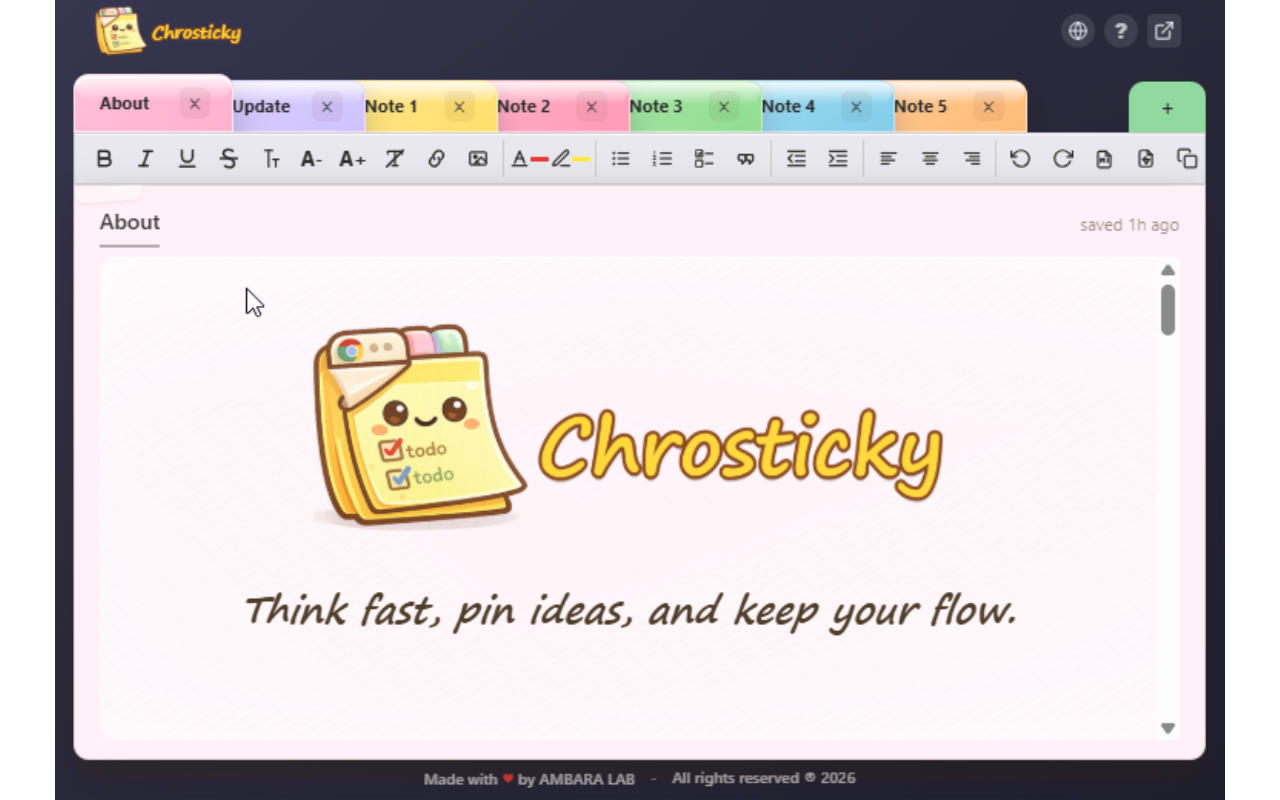
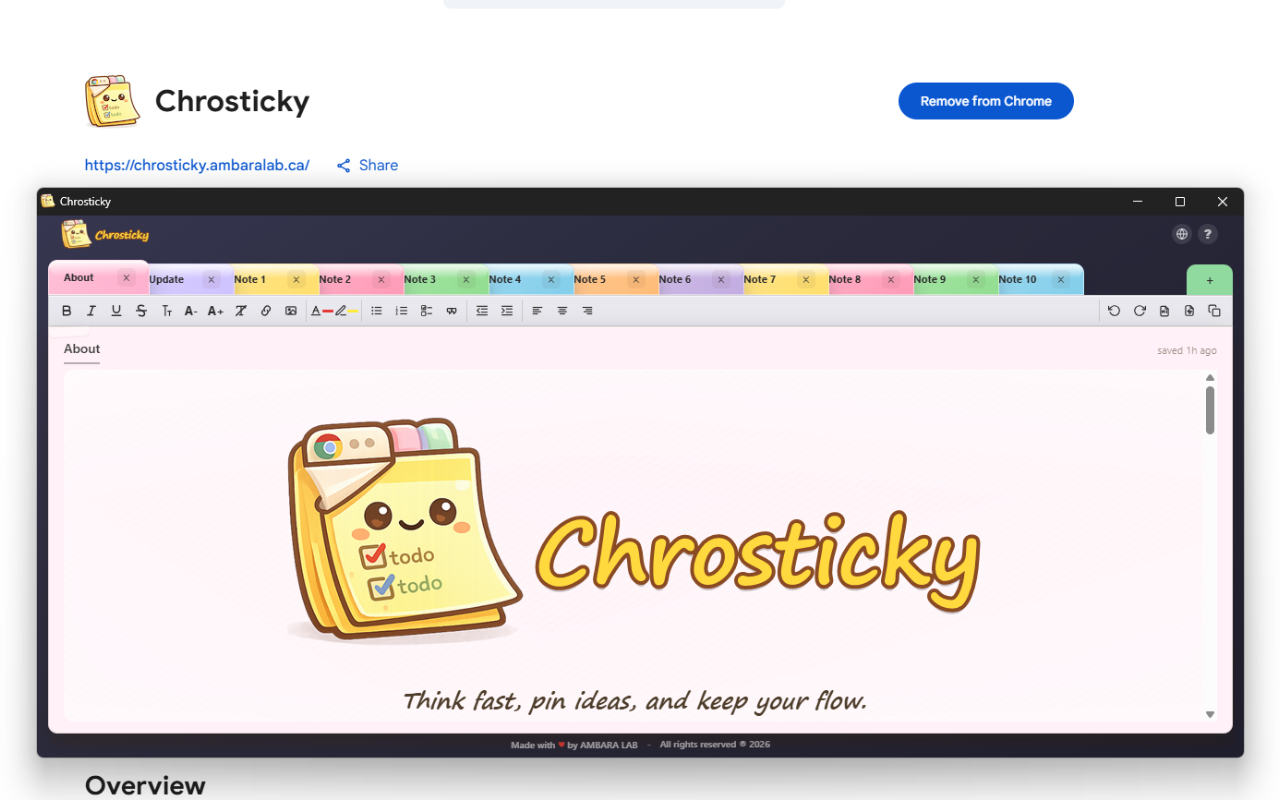
Chrosticky sticky notes extension showing About page with colorful tabs

Everything you need. Nothing you don't.

A thoughtfully crafted note-taking experience that stays out of your way — until you need it.

Colorful Tabbed Notes

Six beautiful color themes. Drag to reorder. Lock to protect. Each note is its own workspace.

Rich Text Editing

Bold, italic, underline, strikethrough, text color, highlighting, and alignment. Full formatting toolbar.

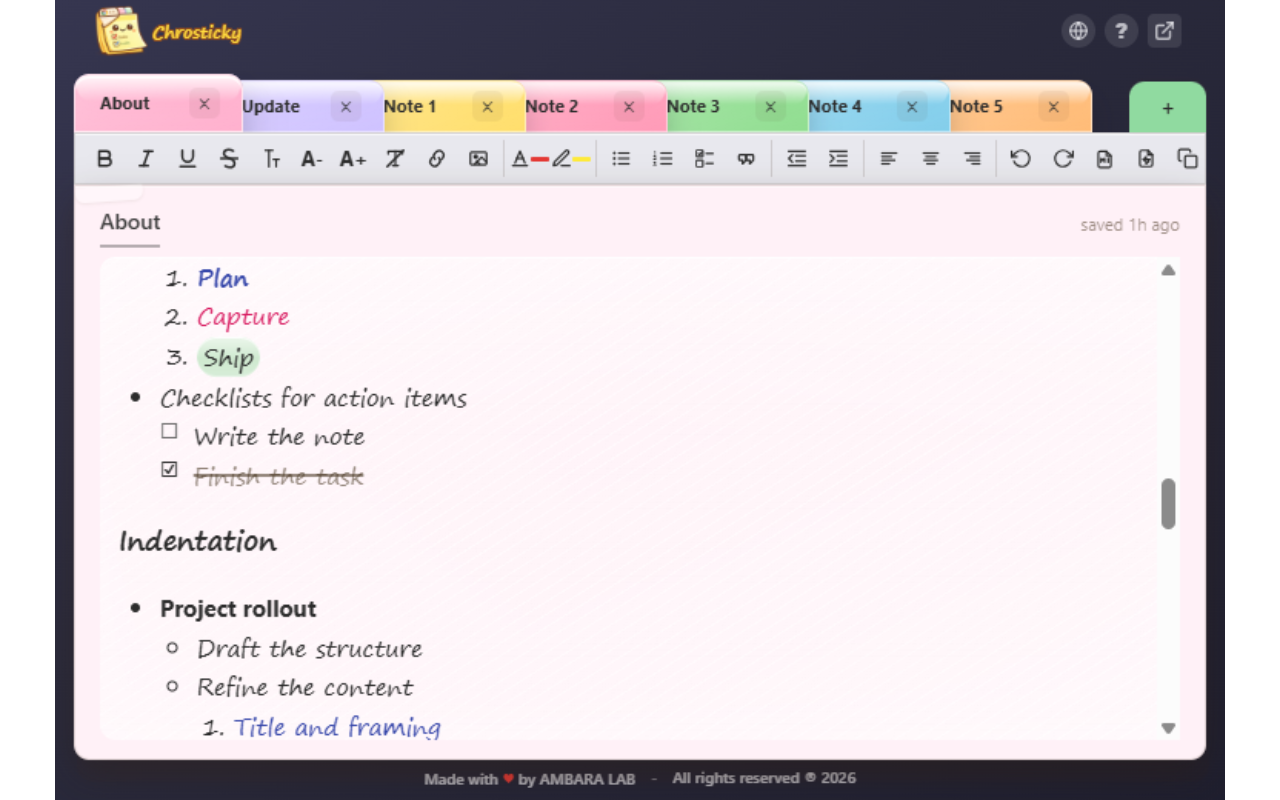
Lists & Checklists

Bullets, numbered lists, and interactive checklists with nested indentation support.

Inline Images

Insert from files or paste from clipboard. Resize with handles. Double-click to view full-size.

Export & Import

Share individual notes as .chst bundles. Back up your whole workspace as a ZIP. Drag & drop to import.

Pop-out Window

Detach into a standalone window for a bigger workspace. It remembers itself — no duplicates.

Print & PDF

Print any note through Chrome's built-in dialog. Save as PDF with full formatting preserved.

Smart Links

URLs auto-link as you type or paste. Create custom hyperlinks with Ctrl+K. Safe external-only links.

A quick look at Chrosticky

Up and running in seconds

1

Install

Add Chrosticky from the Chrome Web Store. One click, zero config.

2

Click the icon

Your sticky notes pop up right from the Chrome toolbar — instant access.

3

Start writing

Create notes, format text, add images, and organize with tabs. Everything saves automatically.

What has shipped recently

A quick version-by-version view of the latest improvements across current and previous releases.

Feature update

Version 1.6.2

  • Fixed upgrade startup so version updates open only the Update note instead of reopening both About and Update.
  • Hardened workspace migration so user notes are no longer reclassified as built-in tabs by title-only heuristics.
  • Added a close confirmation for real notes that have content or a custom title to prevent accidental note loss.

Previous release

Version 1.6.1

  • Added a header website button that opens the official Chrosticky site in a new tab.
  • Added a public Chrosticky website with screenshots, feature summaries, and contact details.

Get in touch

Questions, feedback, or ideas? We'd love to hear from you.